
Researchers preparing a double-blind submission use Purplelink's Anonymity Check to catch identifying information that manual blinding missed.
Steps
-
Compile your manuscript to PDF. If you're working in LaTeX, use the free LaTeX to PDF tool if you don't have a local install. In Word, use File > Export > PDF.
-
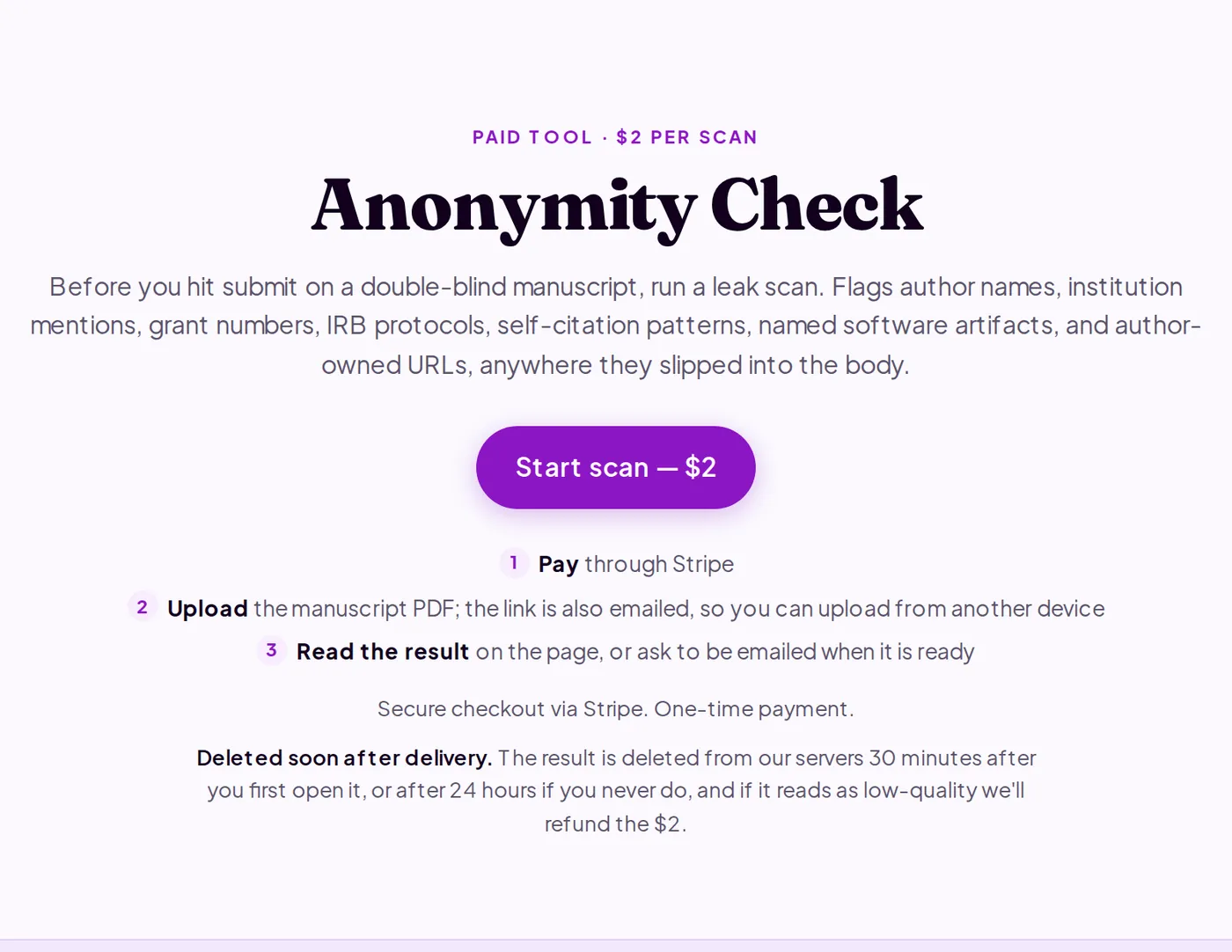
Go to purplelink.llc/tools/anonymity-check/ and click Start scan — $2.
-
Complete the Stripe checkout. You're redirected to an upload page.
-
Upload your PDF. The scan takes about 90 seconds.
-
Read the findings. Each entry shows the exact text that identified you, the category (author name, institution, grant number, IRB protocol, self-citation, or named software artifact), and its location in the manuscript.
-
Open your source document and fix each finding.
- Author names: replace with "Anonymous Author(s)" or remove the phrase.
- Institution names: replace with "the authors' institution" or remove.
- Grant numbers and IRB protocols: delete the identifying numbers. Some venues require removing the acknowledgements section entirely.
- Self-citation patterns: replace "In our previous work [N]" with "In prior work [N]" and confirm the cited entry's title doesn't reveal authorship.
- Named software or author-owned URLs: anonymize or omit if they identify you.
-
Re-export to PDF. To confirm with a second scan, buy another scan for $2.
What's happening under the hood
The scan sends your manuscript to Anthropic's Claude API, which reads the full text and flags each category of identifying information. Purplelink deletes the result from its servers 30 minutes after you first open it, or after 24 hours if you never do. Anthropic retains the manuscript for up to 30 days for abuse monitoring, not for training. The tool covers the body and abstract; supplementary materials, figures, and PDF metadata require a separate manual pass.
Q&A
Does this replace a manual read-through before submission?
No. Treat it as a final pass to catch what you missed. It doesn't scan figures, supplementary files, or PDF metadata.
What about PDF metadata? Does the tool catch author names there?
PDF metadata fields (Author, Creator, Producer) are outside the scan. In Word, clear them via File > Info > Properties > Remove Personal Information. In LaTeX, add \hypersetup{pdfauthor={}, pdftitle={}} to the preamble before compiling.
The scan flagged a citation to my own published paper. Do I need to remove it?
Not necessarily. A reference list entry alone rarely breaks blind review. The surrounding prose does: for example, "As we showed in [N]..." Fix the prose and confirm the entry's title doesn't reveal authorship.
Run a scan at purplelink.llc/tools/anonymity-check/.