Chrome extension, free core
Scholar Utility Belt
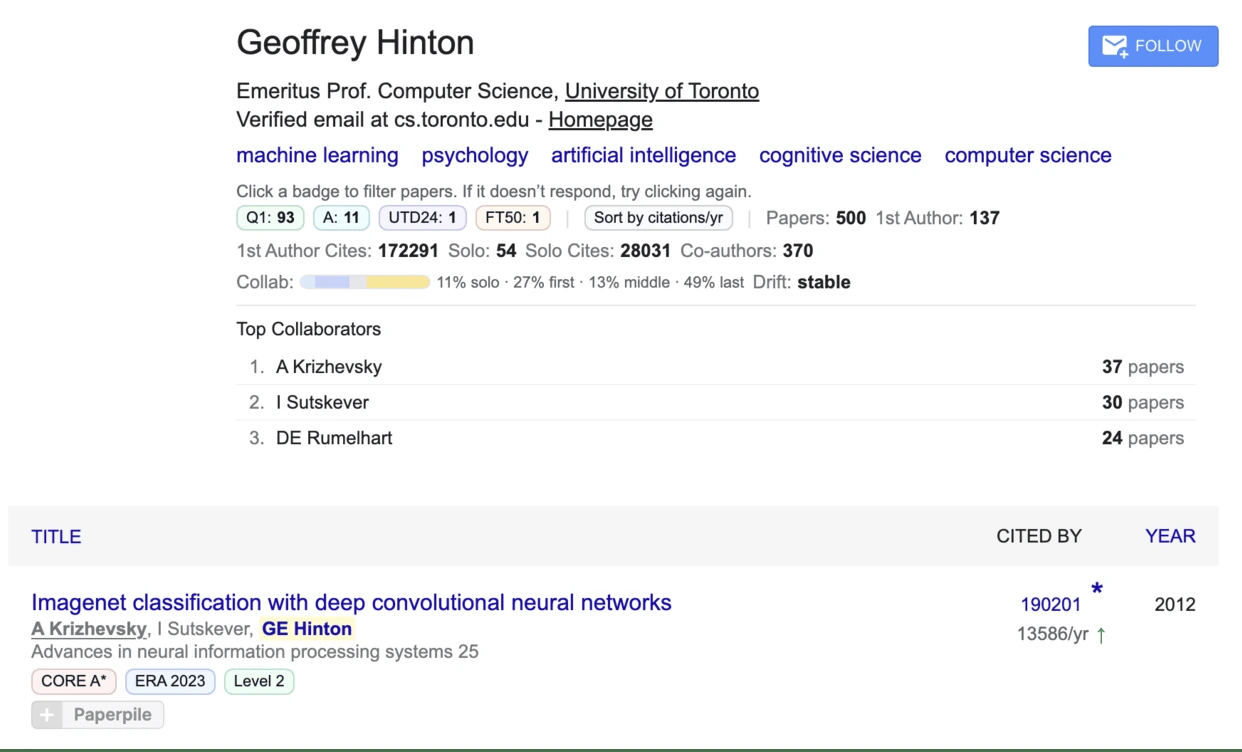
Scholar Utility Belt is a free Chrome extension that shows journal rankings, quartiles and the venue h5-index next to every Google Scholar result, and adds the g-index, m-index and other author metrics to Scholar profiles, along with citation velocity, lineage trees and retraction alerts. The core is free and open source. Since version 0.6.0 a few workflow tools are part of an optional Pro tier. The ranking lists ship inside the extension, so badges need no network request.
More than 1,400 researchers use it every week. Rated 4.5 out of 5 from 16 ratings on the Chrome Web Store.
Watch the tour
Rankings and metrics inside Google Scholar
Journal rankings, h-index, citation velocity and retraction alerts, added to the results page.

What it adds
Context next to every result
Comparing it with other Scholar extensions? The comparison of Chrome extensions for Google Scholar says plainly where a free alternative or a library tool is the better choice.
Journal quality badges
ABDC, FT50, UTD24 and SJR rankings shown beside each result, so you can see where a paper appeared without looking the venue up.
Citation velocity
How quickly each paper is being cited, shown next to its total citation count.
Author metrics
h-index and g-index for authors, shown on their Google Scholar profiles.
Academic lineage
Academic lineage trees that place an author among their advisors and students.
Retraction alerts
A visible warning on results that have been retracted, before you cite them.
Private by design
No account, no analytics, no remote lookups for rankings. The source is open under the ISC license, so you can read exactly what it does.
Free and Pro
What is free and what is Pro
Reading and browsing aids stay free: quality badges, the result action grid, citation velocity, the saved-paper library, author summary metrics (h-index, g-index and similar), the query trend tracker, retraction and tortured-phrase warnings, and related works. Pro covers workflow tools that save power users time. The Pro page lists every feature, the trial and the prices.
Pro features
Author compare, citation lineage, extended bibliometrics (p-index, FWCI, Relative Citation Ratio, influential citations), narrative CV, the systematic-review workspace, the citation-graph overlay and the Publish-or-Perish report.
Prices
$40 once (lifetime), or $3 a month, or $20 a year. Payment goes through ExtensionPay and Stripe.
If you installed before 0.6.0
Every feature you had stays free, permanently. Updating from an earlier version marks your install as free for good. A fresh install, including reinstalling after removing the extension, counts as new.
Privacy and network calls
What the extension sends, and to whom
The extension has no Purplelink server and no analytics. It sends no searches, reading history or saved papers to Purplelink. The only contact with this site is two page visits. A getting-started page opens once when you first install the extension. Chrome opens a short page if you uninstall it. Those visits are counted like any page on this site. Your library and settings stay in the extension's storage in your browser. It does make these requests from your browser:
- Public scholarly services, for optional enrichment. Depending on the features you enable, it queries OpenAlex, Crossref, Unpaywall, OpenCitations, DataCite, Semantic Scholar, arXiv, Europe PMC, NCBI PubMed, NIH iCite, ROR, DBLP and SCImago. These requests carry what the lookup needs, such as a DOI, an arXiv or PubMed identifier, a title, an author name or a search term. They go straight from your browser to that service. In the detailed results view, which is the default, each result's DOI is looked up this way to show open-access, funder, citation and dataset signals. The Options switch “Look up extra signals” turns that off. Watch lists send the text of each watch item you add to OpenAlex at most once a day, and only while you have watch items.
- An AI provider, only if you turn on Ask my shortlist. You add your own API key for Anthropic, OpenAI or Google Gemini in Options. The extension shows what it will send and waits for you to confirm. It then sends your question and the titles and saved text of the papers you chose to that provider, which handles them under its own policy. The key stays in your browser and goes only to that provider. The triage card runs on Chrome's built-in model on your device and sends nothing.
- Publisher pages, only with the optional all-sites permission. Hover summaries, PDF page counts and Copy BibTeX from the publisher fetch the paper's own publisher page without cookies. Without the permission, nothing is fetched.
- App Pass, only if you opt in. The extension checks with joinapppass.com, which receives the extension's identifier and your joinapppass.com login cookie. With App Pass off, nothing contacts that service.
- ExtensionPay, for the Pro license check. ExtensionPay (extensionpay.com) sells and verifies Pro licenses, with Stripe processing payment. If you never start a trial or open its payment or sign-in page, the extension makes no request to extensionpay.com. When you start the free trial or click Unlock or "Already purchased", the extension asks ExtensionPay for a random per-install key and stores it in the extension's storage, which Chrome may sync through your Google account. After that, each time the extension checks your Pro status it sends that key to extensionpay.com and receives your plan and paid status, which it keeps locally. On extensionpay.com pages, an ExtensionPay script passes payment confirmation back to the extension. ExtensionPay and Stripe see the key and your IP address like any web request, plus whatever you enter at checkout. Purplelink never sees card details.
- No ExtensionPay calls for early installs until you start a trial. Installs that were updated from a version before 0.6.0 keep every earlier feature free and make no ExtensionPay request for them. Pro features added since then need a trial, a purchase or App Pass, and the extension asks ExtensionPay about them only after you have started a trial or purchased.
The full policy is in the Purplelink privacy policy.
From the same studio
Found the papers. Now write yours.
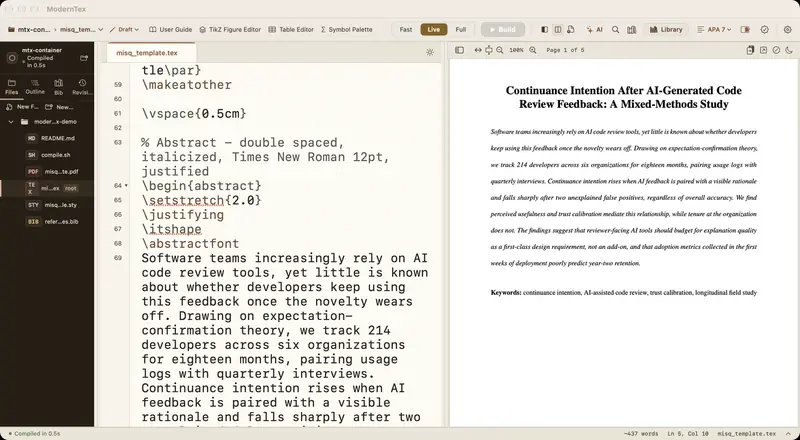
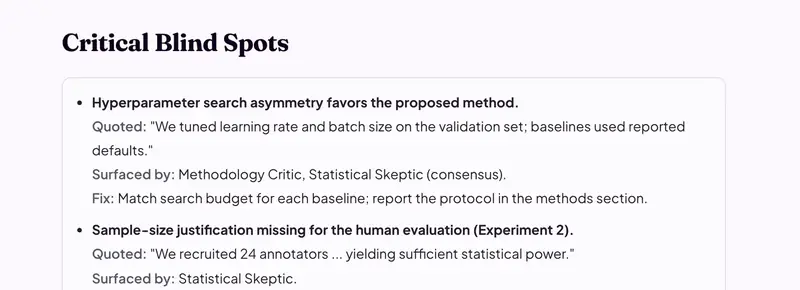
ModernTex is a native LaTeX editor for Mac with BibTeX completion that searches by author or title. Paper Review reads your manuscript before a journal does. Both are made by the same one-person studio as this extension.