Tools for the paper, from first draft to accepted.
Mac apps, a set of pay-per-use manuscript checks, and free tools, all made by one researcher who writes and submits papers too. Prices are listed here, and all on one page. None of it needs an account.
What you can check before you install
Each line links to the page that states it.
-
Signed and notarized
The Mac apps are signed with a Developer ID and notarized by Apple, so macOS checks them before they open.
-
No account to create
None of the Mac apps asks you to sign in. The privacy policy states what the apps and web tools send or keep.
-
A 14-day refund
Email within 14 days of a purchase and it is refunded to the original payment method.
-
One person answers
Email goes to the person who wrote the code. There is no ticket system and no account to sign in to.
-
Who makes it
Benjamin Ampel, assistant professor at Georgia State University. Purplelink LLC, Atlanta, founded 2026.
Everything Purplelink makes
A short look at each product, with prices.
Start from where the paper is
- Writing it in LaTeX on a Mac
- ModernTex, with the free BibTeX Validator for the bibliography.
- Starting from a venue's template
- The free LaTeX templates, each with an optional reminder a week before the deadline.
- About to submit
- Paper Review. It includes the Anonymity Check. Add a Cover Letter for $2.
- Submitting to a double-blind venue on a budget
- Anonymity Check and Citation Gap Analysis, $5 together.
- Revise and resubmit
- Revision Review for the manuscript and Response to Reviewers for the letter.
- Sending something with names or numbers in it
- Outbound Veil checks what you type for personal information before you send it.
- A Mac that is running out of disk space
- Legroom shows free space in the menu bar and cleans the folders and caches you choose, after you approve a preview.
- A Mac keyboard that makes no sound
- Keyfeel plays recorded keyboard-switch sounds as you type, with click sounds and optional trackpad haptics.
- Interviews or scanned pages to turn into text
- Tapefolio transcribes recordings and reads scans on your Mac, labels speakers and helps you replace identifiers. You check every transcript against the audio.
- Windows piled up across one or two screens
- Panely snaps windows to halves, thirds and corners with a shortcut or a drag, and saves layouts for each monitor setup.
- Finding a file or app without opening Finder
- Summonly searches the folders you choose from one box, answers sums and unit conversions, and keeps a clipboard history that skips passwords.
- Files in the wrong format
- Née converts images, PDFs, video, audio, documents and archives from a ring at the pointer: hold Option while dragging files, drop them on an action, and the result is saved next to the original.
- AR glasses with soft edges, dim text or no night tint
- Lenses applies a sharp display mode, a black edge margin, a night tint, Dark Mode and a bigger pointer when the glasses connect, and puts the Mac back when you unplug. Tested on RayNeo Air.
- A battery percent that tells you too little
- BatteryMeter, a free app, shows charge, battery power in watts and cycle count in the menu bar.
- Several Claude Code sessions running at once
- Buddy, a free open-source app, shows what each session is doing in the MacBook notch and opens when one needs you.
- Keeping track of where everything is
- Vitae, a free app. Vitae Plus is an optional subscription from $2.99 a month.
- Reading the literature
- Scholar Utility Belt in Chrome.
Buying for a lab or department? See volume pricing, invoices and data handling.
Looking for books on writing, LaTeX or statistics? See the research desk.
Not sure, or want something that isn't here? Email ben@purplelink.llc. I read and answer every message.
ModernTex
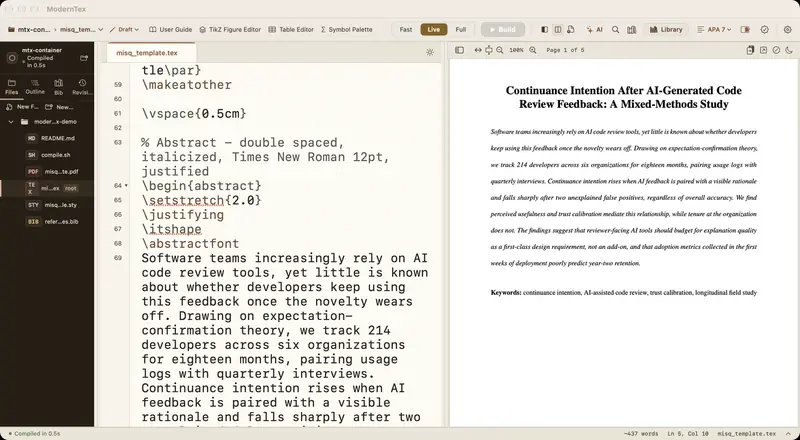
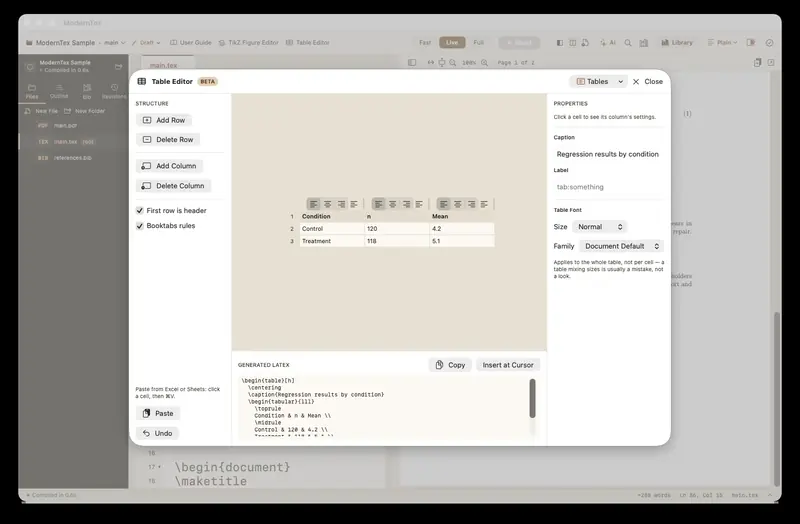
A native LaTeX editor for Mac, built around the manuscript rather than the file. Source and PDF stay in sync, citations autocomplete from your .bib, and a submission check runs before you upload. It includes a visual table editor and a TikZ figure editor. The trial is free for seven days, then it is $19.99 once.
Mac
Keep your academic record in one place
The Mac Suite
ModernTex, Outbound Veil, Legroom, Keyfeel, Tapefolio, Panely, Summonly, Née, Lenses and Vitae Plus for life in one payment. Bought separately they come to $164 the first year, then $23.99 a year for Plus.
See the Suite →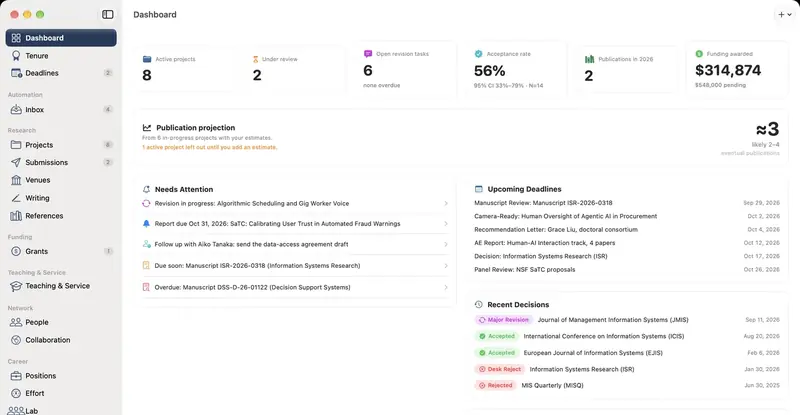
 Free app, optional Plus from $2.99 a month
Vitae
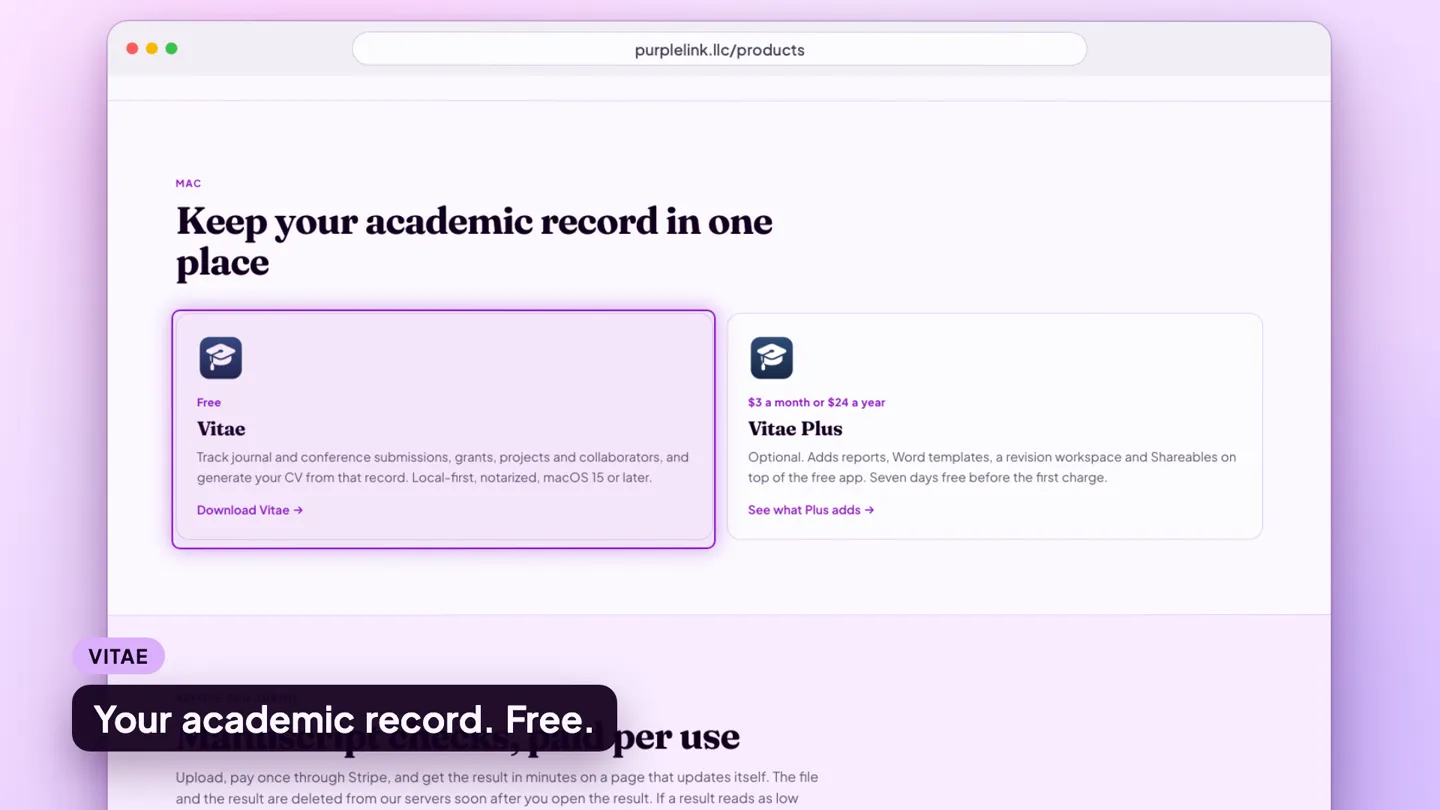
Track journal and conference submissions, grants, projects and collaborators, and generate your CV from that record. Local-first, notarized, macOS 15 or later. Currently a beta, version 1.1.2.
Download Vitae →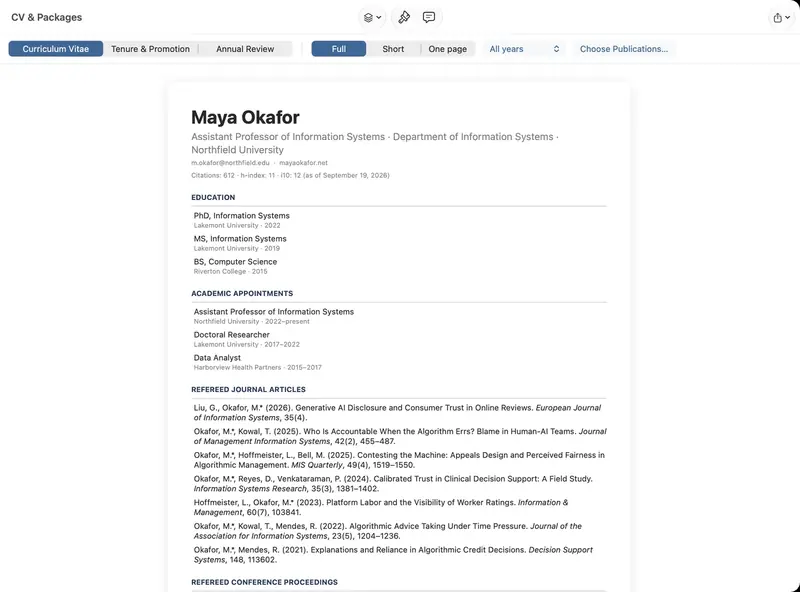 $2.99 a month or $23.99 a year
Vitae Plus
An optional subscription. Adds reports, Word templates, a revision workspace and Shareables on top of the free app, which keeps all core record-keeping free. Seven days free before the first charge, and included for life in the Mac Suite.
See what Plus adds → Free 7-day trial, then $29.99Outbound Veil
A menu-bar app that checks what you type for names, numbers and addresses before you send it. It runs on your Mac and stores nothing. macOS 14 or later.
See Outbound Veil → Free 7-day trial, then $9.99Legroom
A menu-bar app that shows your free disk space and cleans the folders and developer caches you choose, after you approve a preview. Its measurements stay on your Mac. macOS 14 or later.
See Legroom → Free 7-day trial, then $9.99Keyfeel
A menu-bar app that plays recorded keyboard-switch sounds as you type, with mouse-click sounds, scroll ticks and optional trackpad haptics. It works offline and reads key codes, never the characters you type. macOS 13 or later.
See Keyfeel → Free 7-day trial, then $29.99Tapefolio
A Mac app that transcribes interviews and meetings on your Mac, labels the speakers, helps you replace names and other identifiers case by case, and reads scanned pages and photos into text. Your files are not uploaded. It will mishear words, so you check the text against the audio. macOS 26 or later, Apple silicon.
See Tapefolio → Free 7-day trial, then $9.99Panely
A menu-bar app that snaps windows to halves, thirds and corners with a shortcut or by dragging to a screen edge, and saves layouts for each monitor setup. It works offline and reads window positions and titles, never what is inside a window. macOS 14 or later.
See Panely → Free 7-day trial, then $9.99Summonly
A menu-bar app that finds files, apps and clipboard history from one box, opened with Option-Space. It keeps a private index of the folders you choose, answers sums and unit conversions, and runs web searches from a keyword. macOS 14 or later.
See Summonly → Free 7-day trial, then $14.99Née
A file converter that opens as a ring at the pointer. Hold Option while dragging files, drop them on one of 51 actions for images, PDFs, video, audio, documents and archives, and the result is saved next to the original. Everything runs on your Mac. macOS 14 or later.
See Née → $4.99 onceLenses
A menu-bar app for AR glasses plugged into a Mac. It applies a profile when they connect: a sharp display mode, 120 Hz where offered, a black edge margin, a night tint, Dark Mode and a bigger pointer, then restores the Mac when you unplug. Tested on RayNeo Air. Collects nothing. macOS 14 or later, Apple silicon.
See Lenses → FreeBatteryMeter
A menu-bar app that shows battery percent, an arrow for the direction of charge and battery power in watts, with a menu of charge, adapter, capacity and cycle count details and a list of the apps using the most power. It checks for updates once a day and installs only with your approval; a menu item turns the check off. macOS 13 or later, Apple silicon.
Download BatteryMeter → Free, open sourceBuddy
A small companion for Claude Code that lives in your MacBook notch. It shows what each session is doing, opens when one needs you, shows your session usage, and counts down to a usage-limit reset. It uses the network only for a daily update check and optional exact usage. Not affiliated with Anthropic. macOS 14 or later, Apple silicon.
See Buddy →Manuscript checks, paid per use
Upload, pay once through Stripe, and get the result in minutes on a page that updates itself. The manuscript and the review are deleted within about a day after you first open the result, or within 48 hours if you never open it. Not useful? Email ben@purplelink.llc within 14 days of purchase and it is refunded.
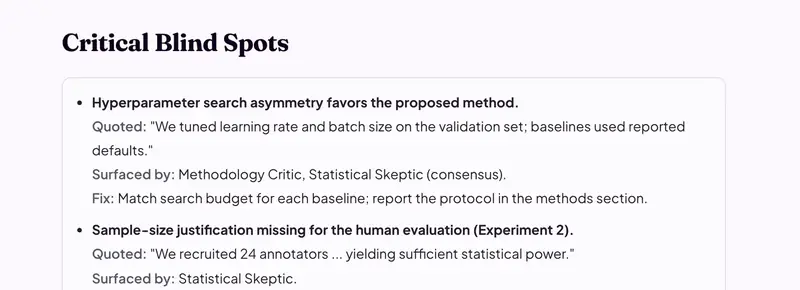
Paper Review
Seven AI reviewers read the manuscript the way a panel would: methods, statistics, data integrity, equations, the literature, the numbers and the editor's view. Every reference is checked against CrossRef and the figures are scanned. Markdown report and annotated PDF.
Start a review → $6Response to Reviewers
A reviewer panel reads your response letter against the original comments and flags missing or hand-waved replies.
Check my response → $3Citation Gap Analysis
Finds prior work the manuscript should cite and doesn't, with a reason for each.
Find the gaps → $2Anonymity Check
Flags names, institutions, funders, IRB numbers and self-citations that break double-blind review. Included free with Paper Review.
Scan my manuscript → $2Cover Letter
A cover letter drafted from your abstract and the target journal. The manuscript itself is never uploaded.
Draft my letter → $2Revision Review
Checks whether the revised manuscript actually addressed the findings in your original Paper Review.
Check my revision → 5 for $38 · 20 for $150Volume packs
Paper Review tokens for labs and repeat submissions, emailed at purchase. They never expire.
See pack pricing → $5Resume Review
An ATS screener, a hiring manager and a recruiter read your resume before you apply for a research job.
Review my resume →No account, no charge
 Free · Chrome extension
Scholar Utility Belt
Journal quality badges, citation velocity, h-index and g-index, lineage trees and retraction alerts, added to Google Scholar. More than 1,400 researchers use it every week. It is rated 4.5 out of 5 on the Chrome Web Store.
See the extension →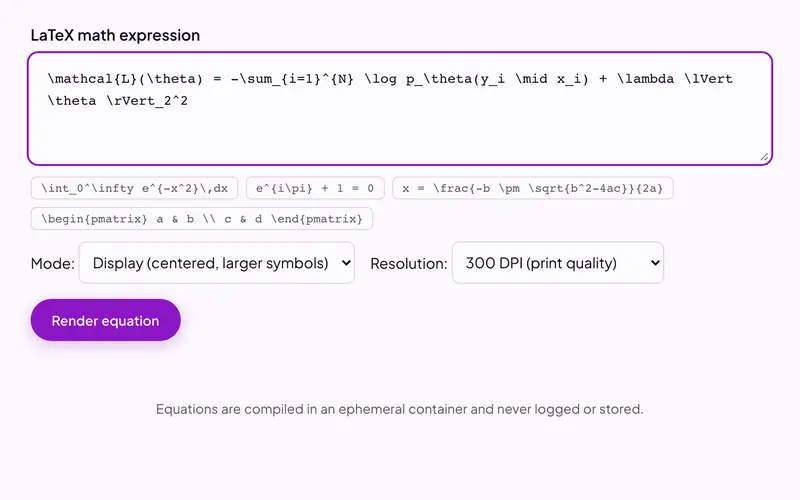
LaTeX and citation tools
Compile LaTeX to PDF, diff two versions, validate a .bib file, generate citations, convert to and from Word, and more. Files are deleted from our server once the result is built.
Browse the tools →Also free: daily word games, trivia and horoscopes.
iPhone
Away from the desk
 Free on the App Store
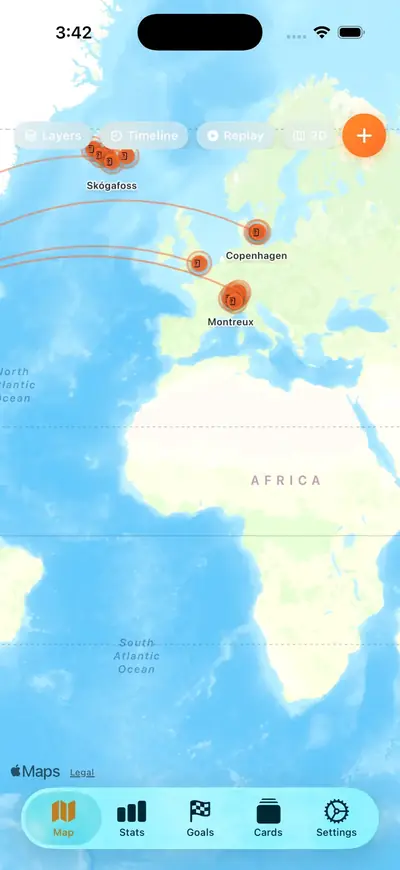
GlobePin
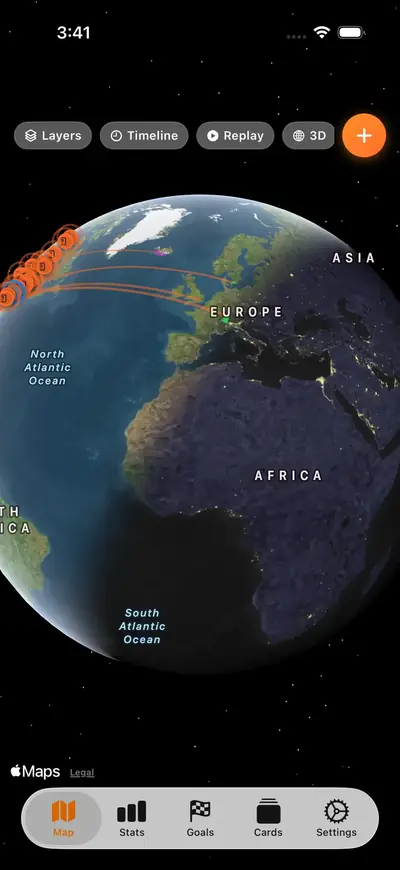
A map of every place you have been and every flight you have taken, with stats, travel goals and shareable cards. Syncs through iCloud, no account.
See GlobePin → Free · Web, iPhone app in review
Circled Hoops
Weekly fantasy basketball where you circle one game for each of eight starters, and only the circled games count. Every feature is free for every league, with no betting.
See Circled Hoops →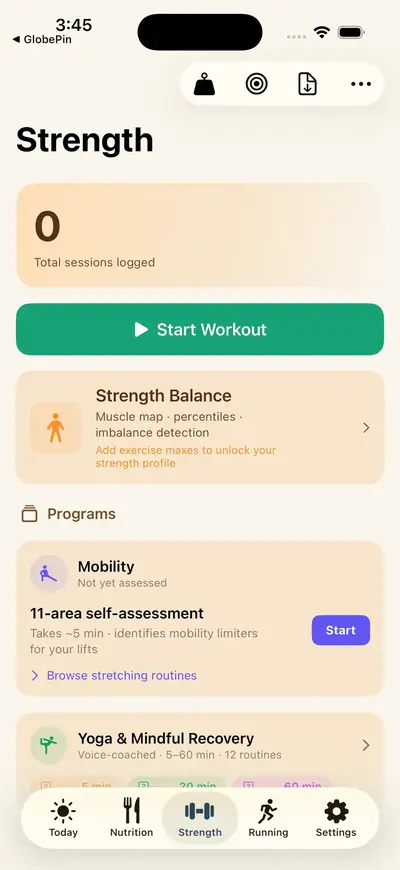
 In development
haea
Health analytics that run entirely on your iPhone: sleep, nutrition, training and biometrics, with nothing sent to a server. Join the waitlist.
Join the waitlist →Mac, private beta
For solo founders
Kits
Production-tested automation systems, each with a setup guide: a content pipeline, a static-site monetization stack and a clip pipeline. One-time purchase, from $10.
Spreadsheets
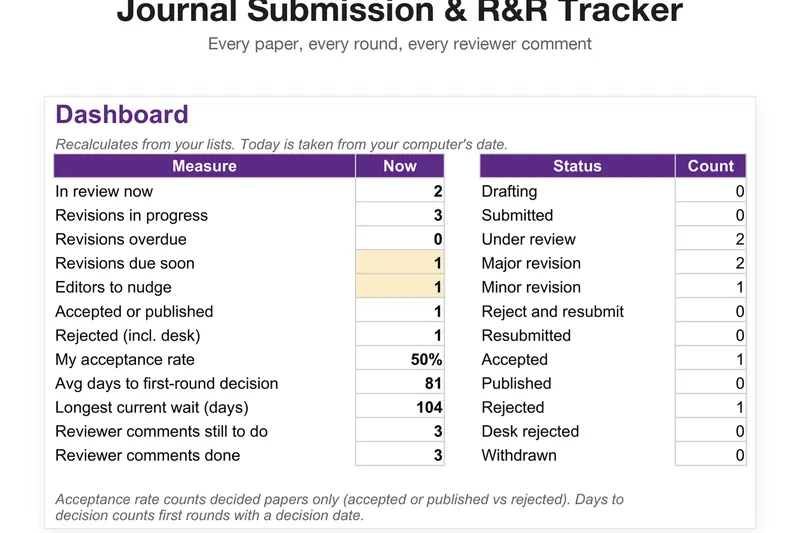
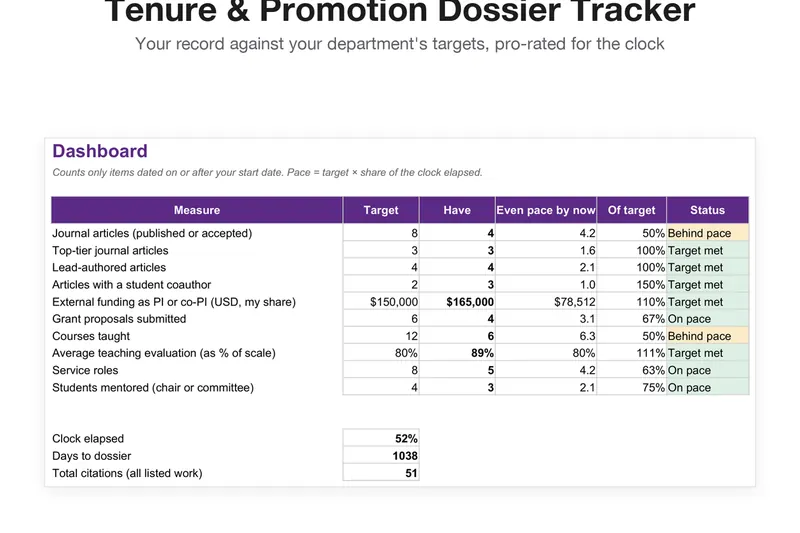
Excel and Google Sheets files for the work around research: a submission and R&R tracker, a tenure dossier tracker, an academic job market tracker, a grant pipeline and effort tracker, a systematic review screening matrix, an NSF/NIH grant budget builder, and two live sheets that fill themselves with your citations or funding calls. From $9.