
A response letter with one unanswered comment or one defensively worded paragraph can stall a revision that was otherwise ready to accept. Response to Reviewers runs a three-persona check against your draft letter and flags the problems before you hit submit.
Steps
-
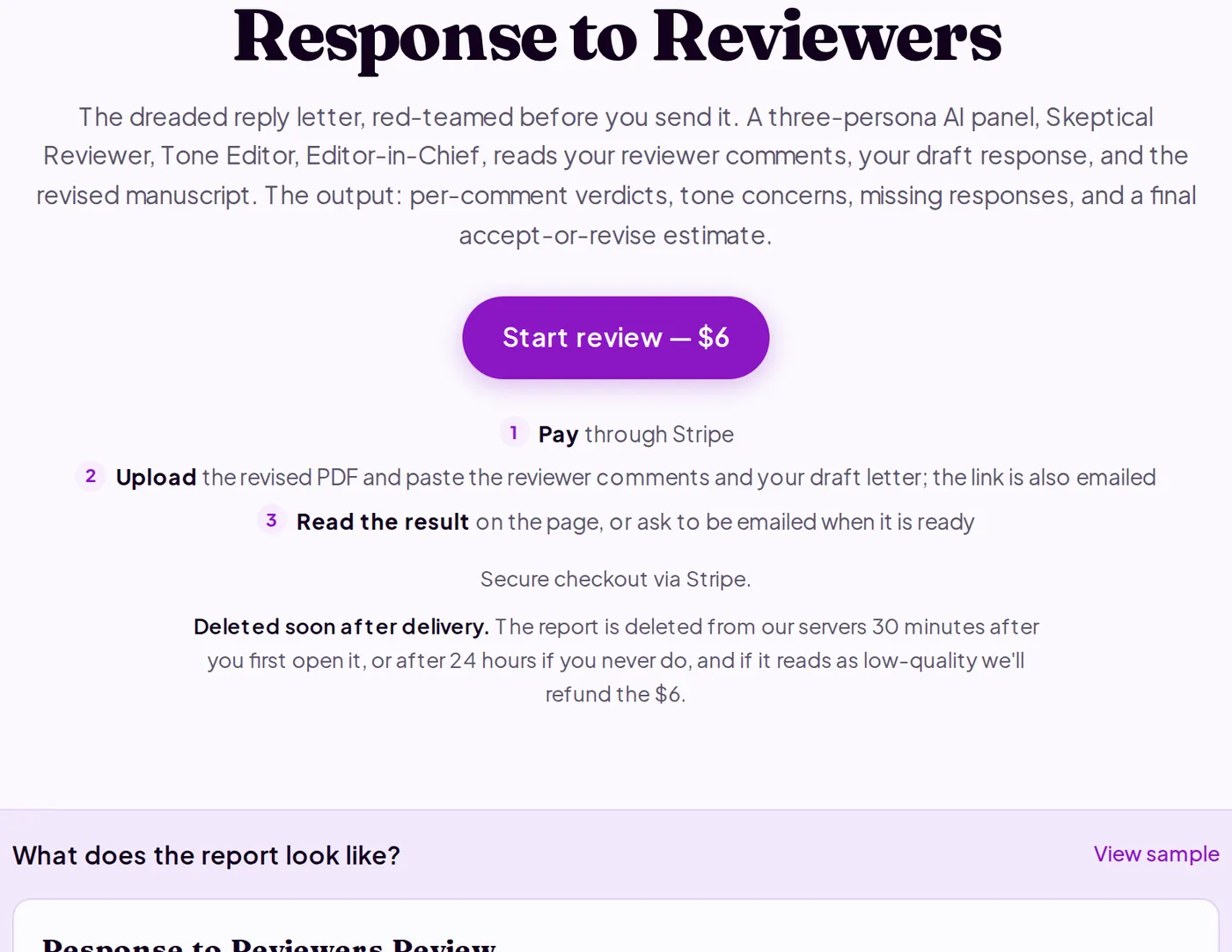
Go to purplelink.llc/tools/response-review/, click "Start review — $6" and pay through Stripe. You're taken to the upload page, and the link is also emailed to you.
-
Open the reviewer report your editor sent. Copy all the text: every reviewer section, every numbered comment. If the editor sent a PDF, copy the text out of it. Paste it into the Reviewer Comments field.
-
Paste your full draft response letter into the Response Letter field. Include the complete text, not a summary. The tool matches each reviewer comment to its corresponding response using the numbering pattern.
-
Compile your revised manuscript to PDF, upload it and submit. The tool cross-references your claimed changes against the actual revision. If your letter says "added a power analysis to Section 3.2," it checks whether that section exists in the document you uploaded. A status page updates on its own until the report is ready.
-
Read the Per-Comment Tracker first. Each reviewer comment appears paired with a verdict: Addressed, Partially addressed, Hand-waved, Rejected with argument, or Not evaluable. Hand-waved means your response acknowledged a comment without actually fixing the underlying issue. Those are the entries to rewrite.
-
Work through the Action Checklist in A/B/C order. A items must be resolved before you resubmit. For every Hand-waved entry, rewrite the response to name the specific change made and where it appears in the revision: section, page, or line number.
-
Check Tone Concerns for defensive or dismissive phrasing, and Missing Responses for any reviewer comment you did not address at all. An unanswered comment reads as an oversight to an editor, not a considered decision to skip it.
-
Download or copy the Markdown report before closing the tab. The review is deleted from the server 30 minutes after you first open it (or after 24 hours if you never do) and cannot be recovered.
What's happening under the hood
The tool parses the reviewer comment text to identify each numbered entry and its reviewer attribution. It matches response letter entries to those comments by number pattern ("R1.2", "Reviewer 1, comment 4", and similar). Three AI personas read each matched pair: a Skeptical Reviewer checks whether the response actually addresses the concern, a Tone Editor flags adversarial or dismissive phrasing, and an Editor-in-Chief estimates whether the overall letter holds up for the next round. When a response claims a manuscript change, the claim is cross-referenced against the revised PDF you uploaded. Everything runs in a single ephemeral job and is deleted 30 minutes after you first open the report, or after 24 hours if you never do.
Q&A
My editor sent the reviewer comments as a PDF. Can I still use this?
Yes. Copy the text out of the PDF and paste it into the Reviewer Comments field. The format does not need to be clean. Common reviewer comment patterns are auto-detected.
Does the manuscript have to be the revised version?
Yes. The tool checks whether the changes you claim to have made are actually in the document. Uploading the original paper would make the manuscript cross-check meaningless.
Do I need to include the editor's decision letter?
No. Paste only the reviewer comments. The editor's cover note is typically a summary, and including it can confuse the comment parser.
Run the review before resubmitting at purplelink.llc/tools/response-review/.