
Researchers applying for industry or academic positions use Resume Review to find formatting problems that Applicant Tracking Systems reject, weak bullets, and recruiter red flags before the application goes out.
Steps
-
Export your resume or CV to PDF or DOCX, up to 20 MB. If your CV is in LaTeX, use the free LaTeX to PDF tool if you don't have a local install.
-
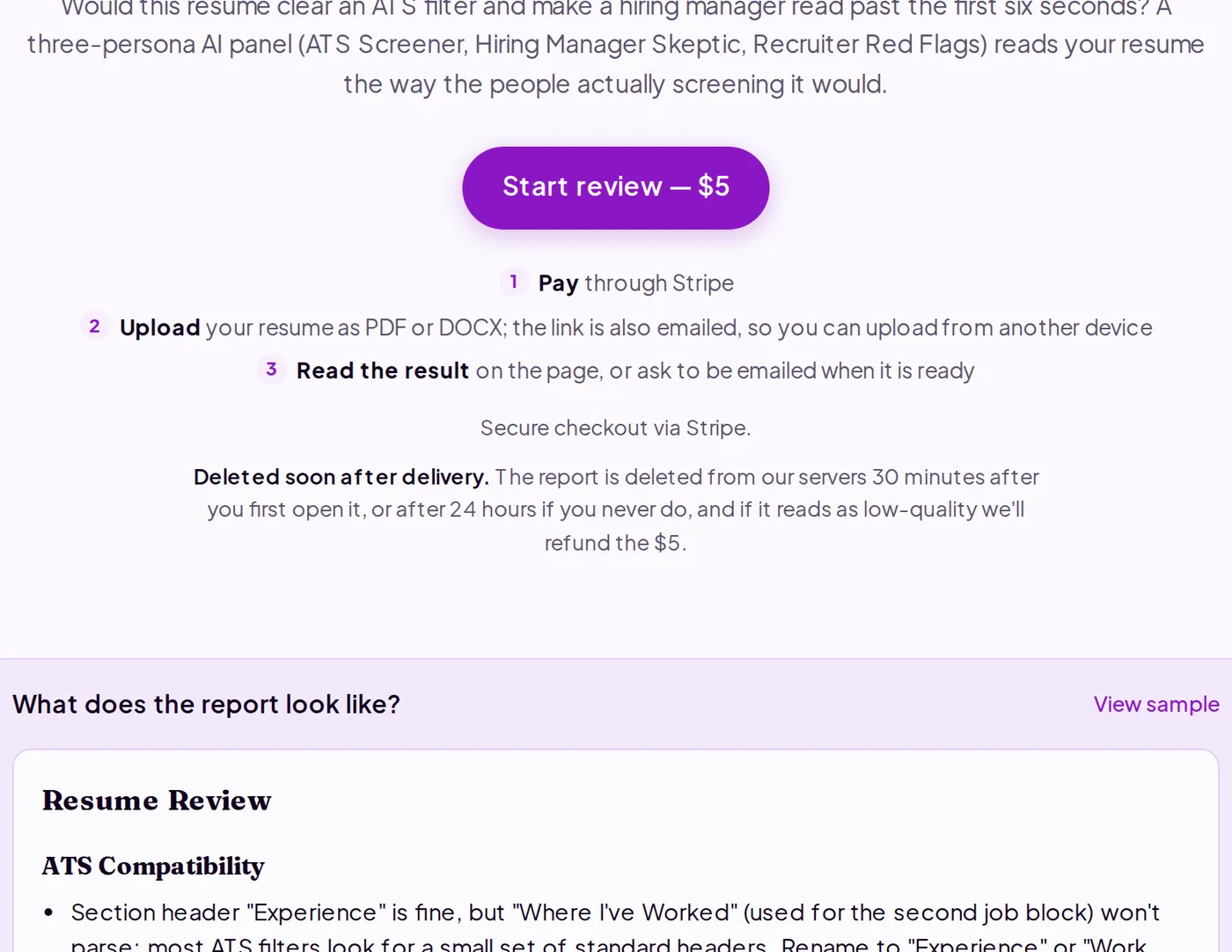
Go to purplelink.llc/tools/resume-review/ and click "Start review — $5." Pay through Stripe.
-
Upload your file on the next page. The tool redirects to a status page that polls automatically until the report is ready, typically under two minutes.
-
Read ATS Compatibility first. This section lists formatting, section-header, and date-format problems that stop an Applicant Tracking System from parsing your resume. Fix every A-priority item here before applying anywhere.
-
Read Content & Impact. Each bullet the tool flags as generic duty language gets a suggested rewrite using only facts already in your resume. Apply the rewrites directly, or use them to find the concrete number you know but didn't include.
-
Check Recruiter Red Flags. This section names employment gaps, short stints, inconsistent dates, and missing basics. Each entry describes what a recruiter would notice and how to address it.
-
Work through the Action Checklist in A/B/C order. A items need resolving before this resume goes anywhere. B items strengthen the application. C items are minor presentation fixes.
-
Download or copy the Markdown report before closing the tab. The report is deleted from Purplelink's servers 30 minutes after you first open it (or after 24 hours if you never do) and cannot be recovered.
What's happening under the hood
Three AI personas read your resume in parallel. ATS Screener parses the document structure for formatting, section header names, and date patterns that Applicant Tracking Systems typically reject. Hiring Manager Skeptic reads each bullet for generic duty language versus quantified results. Recruiter Red Flags examines the career timeline for gaps, short stints, inconsistent titles, and missing contact information. Each finding names the specific text it is flagging and, for weak bullets, suggests a rewrite using only facts from your resume. The report synthesizes all three passes and is deleted from the server 30 minutes after you first open it (or after 24 hours if you never do).
Q&A
Does this work for academic CVs?
Yes. The ATS check is most relevant for industry applications, but the content and timeline checks apply to academic CVs too. Academic hiring committees rarely use ATS filters, so you can deprioritize those findings when applying to faculty or postdoc positions.
Can I upload a two-column or graphically designed resume?
PDFs with columns or heavy formatting sometimes parse inconsistently. If your resume uses that layout, try a plain DOCX version, which usually parses more reliably. Comparing both versions means two reviews.
Will it rewrite my resume for me?
No. It critiques what you have and suggests rewrites for weak bullets, using only facts you already provided. It won't invent metrics, dates, or outcomes.
Run a review at purplelink.llc/tools/resume-review/.