
Researchers preparing to submit use Citation Gap Analysis to find the prior-art omissions a reviewer would flag.
Steps
-
Export your manuscript to PDF. Citation Gap reads the full text and your existing bibliography together. In LaTeX, build the PDF with your usual toolchain or use the free LaTeX to PDF tool. In Word, use File > Export > PDF.
-
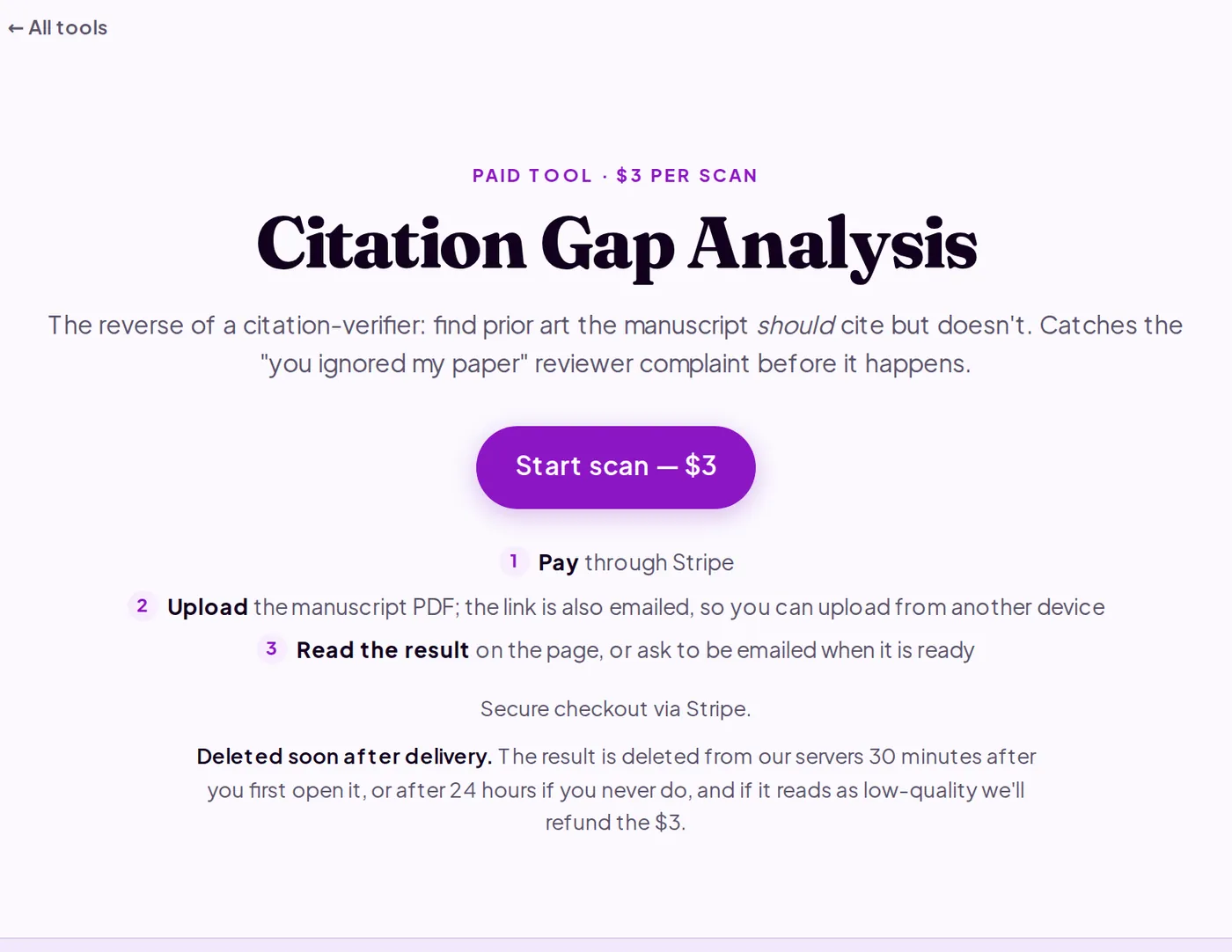
Go to purplelink.llc/tools/citation-gap/ and click Start scan ($3). Complete the Stripe checkout. You're taken to the upload page, and the link is also emailed. Upload the PDF and submit. A status page then updates until the result is ready, usually in about 2 minutes.
-
Read the scan result. Each suggestion includes the section of your manuscript where the citation belongs (Methods, Related Work, Discussion), a reason a reviewer would expect it cited, and a candidate paper with author and title when the tool can identify one.
-
Verify each candidate in Google Scholar or your institution's database. The tool flags candidates, not confirmed gaps: suggested titles and authors can be imprecise. Read the abstract before citing anything.
-
Add relevant papers to your bibliography. For each verified paper that supports or contextualizes your claims, add the entry and integrate a citation in the relevant section. Citing papers that aren't genuinely relevant is visible to experienced reviewers.
-
Download the scan result before closing the tab. The report is deleted from Purplelink's servers 30 minutes after you first open it (or after 24 hours if you never do).
What's happening under the hood
The tool reads your full manuscript and flags several kinds of omission: canonical papers in the field, foundational references in your method or framework that experts assume will be cited, near-identical prior findings your paper should differentiate against, and dataset or technique references you build on without attribution. It compares what your manuscript claims against what your bibliography contains, then flags the gaps. Each suggestion includes the section where the reference belongs and a reason a reviewer would notice the absence, giving you enough context to judge relevance quickly. Your manuscript is sent to Anthropic's Claude API, which retains inputs for up to 30 days for abuse monitoring.
Q&A
How is this different from checking my existing citations?
The free BibTeX Validator checks the citations you already have for accuracy and existence. Citation Gap runs in the opposite direction: it looks for papers you should include but haven't cited.
What if a suggestion is wrong?
Verify every candidate before adding it. If a whole scan reads as low-quality, email ben@purplelink.llc for a refund.
Should I run this before or after Paper Review?
Either order works. Running Citation Gap first, adding relevant citations, then running Paper Review on the updated draft is a common sequence.
Run the scan at purplelink.llc/tools/citation-gap/.