
Every button and menu name below is the label the app uses. You need a Mac running macOS 14 (Sonoma) or later, on Apple silicon or Intel. If you have not downloaded ModernTex yet, the trial is on the ModernTex page.
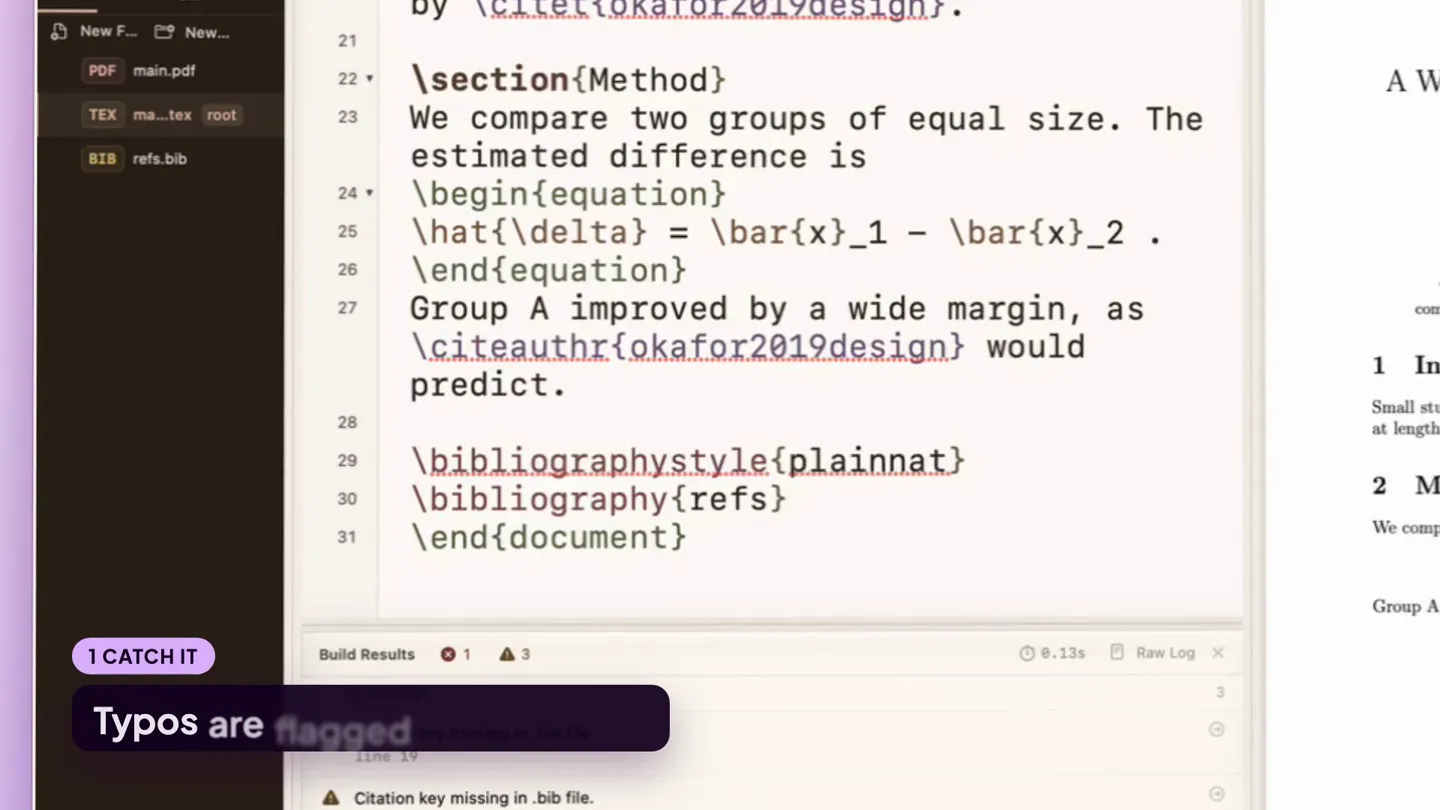
The tour is sixty-five seconds of the app on a sample manuscript. The steps below cover the same ground at reading speed.
1. Install
Open the disk image you downloaded and drag ModernTex to Applications, then open it from there. The disk image is signed and notarized.
The trial is the complete app for seven days from the first time you open it. There is no account to create and nothing to enter. While the trial runs, a thin bar above the toolbar shows two links: Have a license key? and Buy ModernTex, $10.
The first window is a welcome screen with three actions: Open Project…, New from Template… and Try the Sample Manuscript.
2. TeX distribution
ModernTex is an editor. The typesetting is done by a TeX distribution on your Mac, and ModernTex works with MacTeX or TinyTeX. It looks in the places those installers use, including /Library/TeX/texbin for MacTeX and ~/Library/TinyTeX for TinyTeX. If you already have one, there is nothing to set up.
If you have neither, you do not need to install one first. Build anyway. The Build Results panel reports that no TeX was found and shows an Install TinyTeX button under Install fix. Clicking it opens a confirmation that says what will happen:
- TinyTeX is a small TeX distribution, about 200 MB.
- ModernTex downloads the installer script published by the TinyTeX project at yihui.org and runs it with your user privileges.
- It installs into your home folder. No administrator password is asked for, and nothing is written outside your account.
- ModernTex cannot verify the script's contents, because the TinyTeX project does not publish a fixed checksum for it. The dialog says so.
If you would rather install a distribution you download yourself, choose Install MacTeX Instead… in the same dialog, which opens the MacTeX site. When the TinyTeX install finishes, ModernTex builds again on its own.
TinyTeX starts with a small set of packages. When a document needs one that is missing, the error in Build Results carries an Install button with the package name, and the build runs again after the install.
3. Open the sample manuscript and build once
On the welcome screen, choose Try the Sample Manuscript. ModernTex creates a short example in a folder named ModernTex Sample inside Documents, opens its main.tex, and runs a build, so the first thing you see is source next to a PDF.
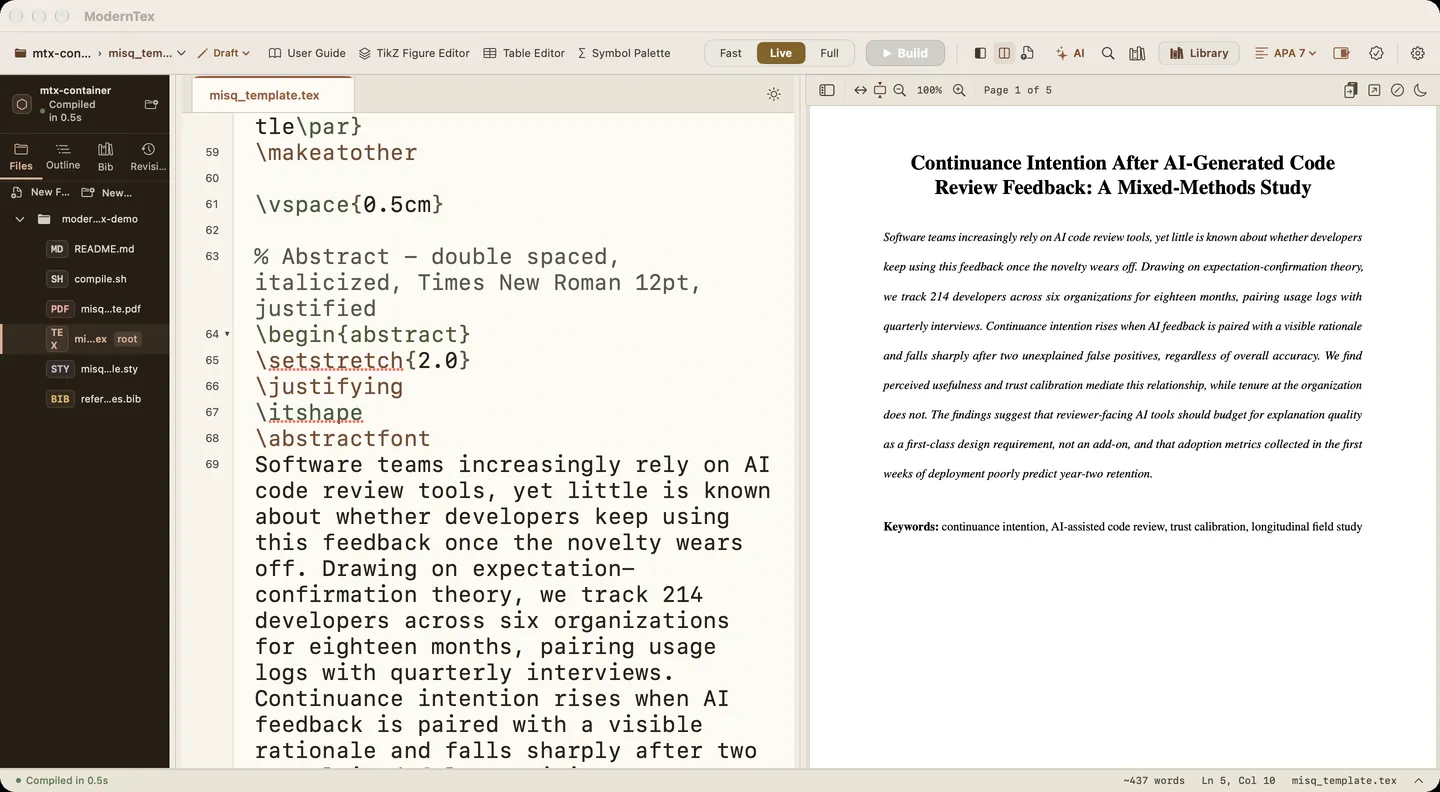
The toolbar has a three-way compile mode control and a Build button (⌘Return). The app describes the modes like this:
- Fast: one engine pass, no bibliography. A quick check of layout and errors.
- Live: rebuilds on every pause while you type, one engine pass, no bibliography. Citations show as keys until you run Full.
- Full: the complete latexmk build with bibtex or biber and every rerun. Run it before you read the references or submit. The shortcut is ⇧⌘Return.
Next to the Build button are three layout buttons. Writing shows the editor without the PDF, Review puts the PDF beside the source, and Submission adds the submission checker. The sidebar has four tabs: Files, Outline, Bib and Revisions.
4. Open your own project
A project is a folder: your .tex files, your .bib files and your figures, exactly as they are on disk. Choose File › Open Project Folder… (⇧⌘O), or Open Project… on the welcome screen, and pick that folder. Nothing is imported or converted.
How the root file is chosen. ModernTex reads each .tex file in the folder and scores it. A file gains points for containing \documentclass, \begin{document} and \end{document}, a few more for \title, \author and a bibliography command, and a few more when it is named main, paper, manuscript, article, thesis or dissertation. The highest score becomes the root file, and its name appears in the toolbar next to the project name. If the guess is wrong, click that name and pick another file under Set Root File.
Engine. If the root file starts with a line such as % !TEX program = xelatex, ModernTex selects that engine when the project is first opened. To set it by hand, choose Compile › Compile Engine & Profile… (⌥⌘,).
BibTeX or biblatex with biber. The same Compile Engine & Profile window has a switch named Use biber for bibliography. Leave it off for a BibTeX project and turn it on for a biblatex project that uses biber. Then run one Full build so the references resolve.
5. Fix your first error
When a build fails, the Build button turns into an error count, such as "1 error", and the last good PDF stays on screen. The Build Results panel lists each error, warning and note in plain language. Compile › Next Issue (⌘') and Previous Issue (⇧⌘') step through them, and Raw Log shows the full LaTeX log when you want it.
Some errors come with buttons under an Install fix heading:
- Install TinyTeX appears when no TeX distribution was found (step 2).
- Install followed by a package name appears when the document needs a package your distribution does not have. ModernTex installs it and builds again.
- Fix with AI appears on an error that points to a line in one of your project's files.
How Fix with AI works. It sends the lines around the error to a model and shows the proposed repair as a diff. Nothing changes until you choose Accept and Rebuild; Reject discards it. It only changes files inside the project. When the model cannot write a safe fix, you get exact steps to do by hand instead.
The model is Apple Intelligence, running on your Mac, when your Mac supports it. Otherwise, or if you prefer, sign in to your own Claude account or add your own OpenAI API key under Account & AI Settings. A privacy consent step appears the first time a cloud provider is used. Purplelink charges nothing for these features, and every one of them is optional.
6. Start from a venue template
Choose File › New from Template… (⌥⌘N), or the button of the same name on the welcome screen. Pick a template, type a project name, choose Create Project, and pick the folder the new project should live in. The built-in list includes IEEE Conference, ACM (acmart), NeurIPS / ICML / ICLR and Elsevier (elsarticle), along with others. You can also point the gallery at a folder of your own templates with Add Folder….
Each of these pages explains the class options and the submission pitfalls for one venue, and offers a starter folder to download:
APA 7 is not in the app's built-in list. Download the starter from its page, unzip it, and open the folder as in step 4. The same works for any of the other starters, and for a template your conference or university supplies.
7. Before you submit
Switch to the Submission layout (the third layout button, or View › Submission Mode, ⌃⌘3). The Submission Checker opens beside the PDF. Set Target to Draft, Blinded Submission, Camera Ready or Supplement, then choose Run Checks. The results are grouped:
- Build: whether a compiled PDF exists.
- Anonymization: identifying markup in the source, and a reminder to check self-citations for blind review.
- References & Citations: citation keys missing from the bibliography, unused entries, undefined labels.
- Figures & Assets: missing figure files and image format problems.
- Formatting: page count and an approximate word count.
- Export Readiness: document class, bibliography command and
.bibfiles present.
Run a Full build first so the checks read a current PDF. Export Bundle at the bottom of the checker packages the project as a zip.
These checks cover what can be read from the files. For a read of the argument itself before reviewers see it, Paper Review is a separate paid service on this site.
After the first ten minutes
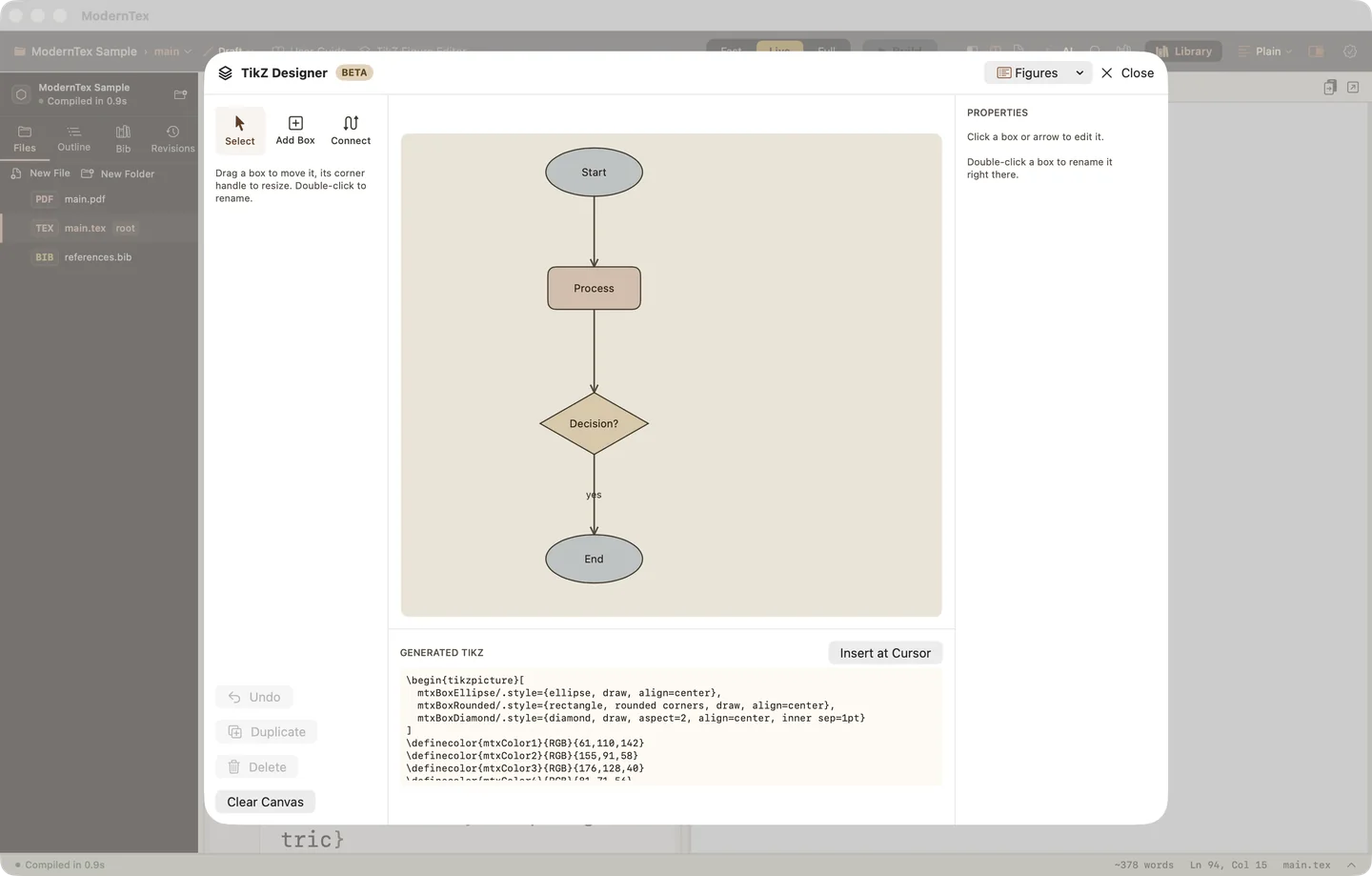
Four more toolbar buttons are worth a look once the build is working: TikZ Figure Editor, Table Editor, Symbol Palette and Library, the bibliography library. The User Guide button at the left of the toolbar opens the in-app guide.
If something goes wrong
- Where the license key goes. Click Have a license key? in the trial bar above the toolbar and paste the key from your receipt email. The same button is on the notice shown when the trial ends. The copy you already have unlocks, with no fresh download. The trial copy does not update itself, so install the paid download from your receipt once to get updates.
- Lost the key. Find a purchase emails a new key to the address you paid with. Any key you had before keeps working.
- Something is broken or unclear. The support page says what to include in an email. One person reads and answers every message.
- What changed in each version. The changelog lists every release.
Your .tex files are ordinary files on disk throughout. They open in any other editor, whether or not you keep ModernTex.