
Outbound Veil for organizations
Outbound Veil checks what a person types for personal information before they send it. For a team, the point is simple: each person gets a second look at the message, the form or the note before it goes out, and the text is never sent anywhere to get it.
Tell me how many Macs and what your people type into. I reply within two business days with a price and what is included.
Watch it work
What each person on your team sees
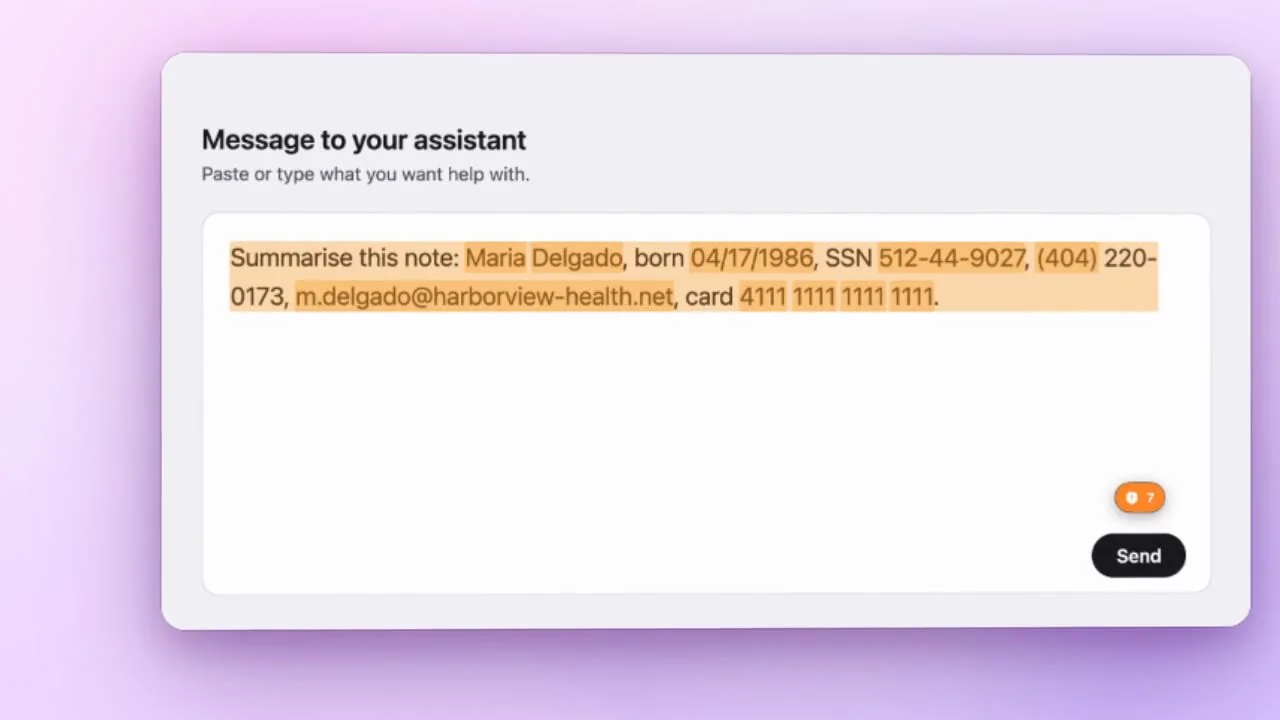
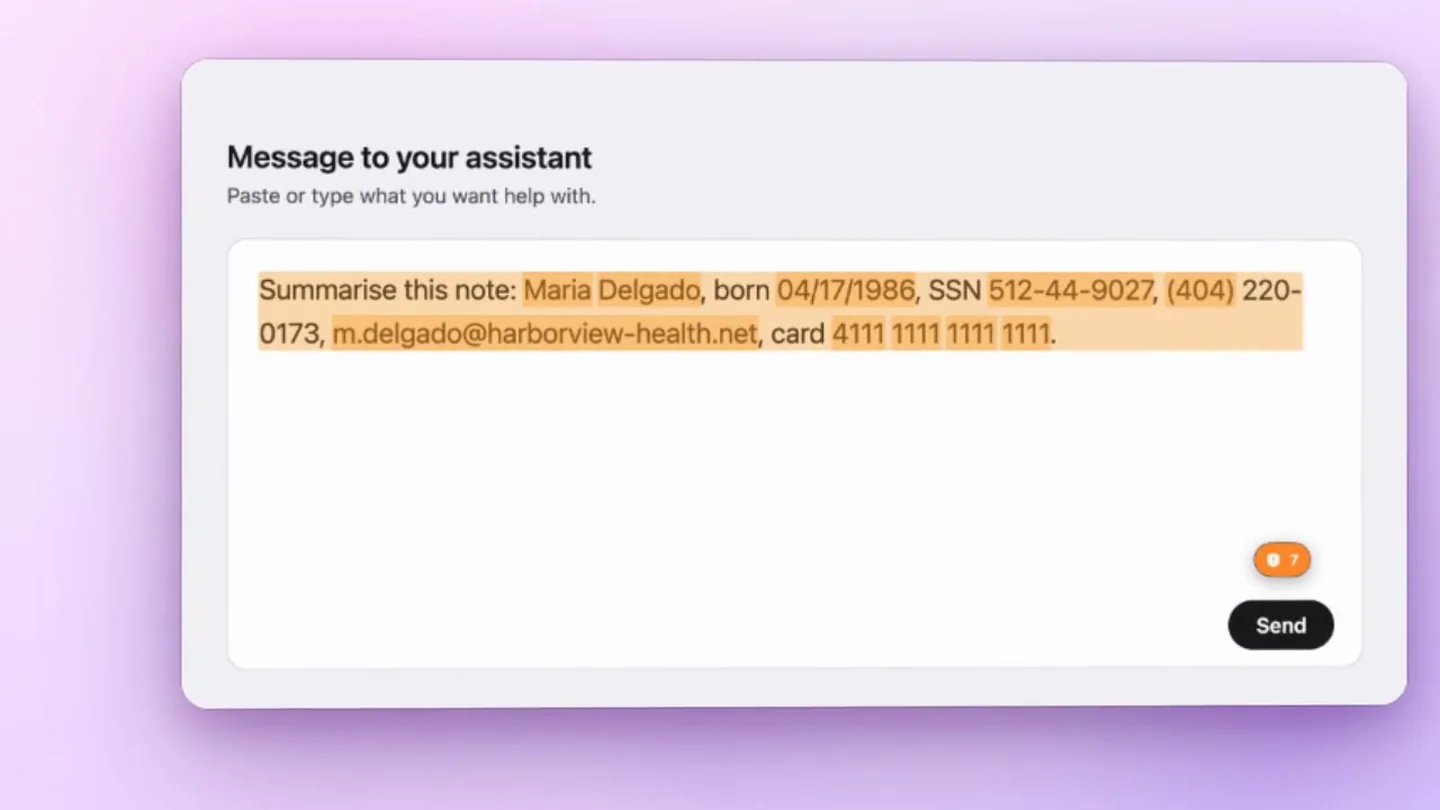
A client note typed into a text field, personal details marked as they appear, then redacted in one click. Real footage of the app, with invented data.
Where it fits
Teams that write about people
Clinics and counseling practices, law and accounting offices, university offices and research groups, schools, and nonprofits that keep case notes or send forms.
Checking happens on each Mac
The text is checked on the Mac it was typed on. Nothing you type is stored or sent, and the app has no analytics. The only network use is the check for a new version.
People stay in charge
A badge shows when something looks like personal information. The person redacts it or ignores it. An optional send hold, in the apps you choose, pauses a send until they have looked.
What a team licence is today
Same app, one purchase
Your organization buys once for a stated number of Macs and receives an invoice. Everyone installs the same notarized app and gets the same updates.
Try it before you buy
Anyone on the team can run the free seven-day trial first. It is the complete app and needs no account.
What it does not have yet
There is no central admin console, no managed policy and no license server. Installation is per Mac. If you need one of these, say so in your email, because I build what the first teams ask for.